Attachments
Upload files to your vault and preview them in-app without saving to disk.
Attach files to any vault item. A recovery code image, a scanned document, or a key file stays with the login or note it belongs to.
Downloads run in the background, so you can keep working while a file transfers.
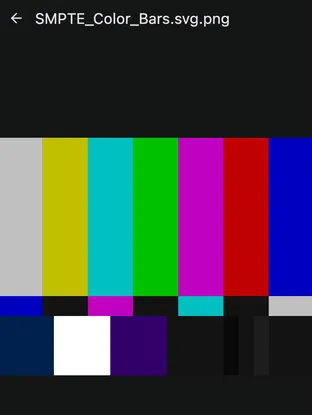
You can also open an attachment in-app. It renders inside Keyguard without saving to disk first, keeping sensitive files off local storage where other apps or backups might access them.
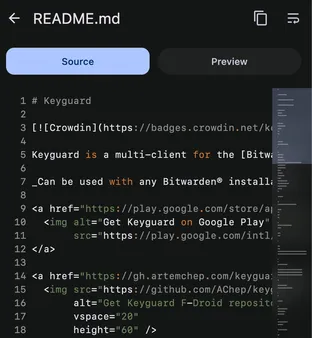
Text and Markdown files also render inline, in raw and formatted views with basic syntax highlighting, keeping recovery notes and config files off the filesystem.