Autofill
Fill usernames and passwords into apps and browsers on Android.
On Android, Keyguard plugs into the system autofill framework, so your logins show up where you sign in, both in other apps and in browsers. On Android 11 and newer the suggestions appear inline in your keyboard, which puts a login one tap away.
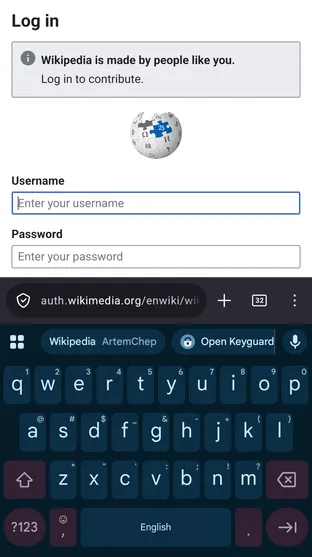
Suggestions are matched to the app or website you are on, and you can tune how strictly each item matches; see URL matching. When nothing matches, a manual option lets you search the vault instead. After filling a login Keyguard can copy its one-time password so it is ready to paste.
Setup takes a minute from Settings → Autofill. Read the autofill & passkeys guide for the walkthrough.