Bulk actions
Select many items at once, then move, merge, tag, or export them in one go.
Some cleanups touch one item; most touch twenty. Long-press an item to start a selection, add the rest with a tap, and the action you choose applies to everything selected at once.
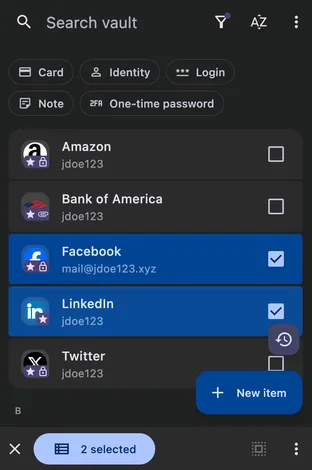
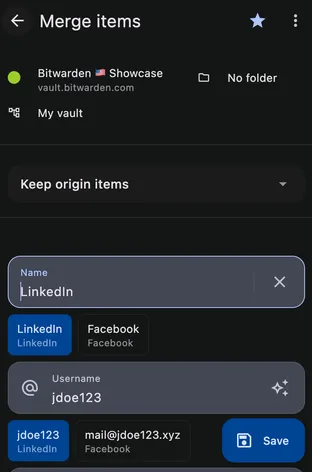
The whole toolkit works in bulk: move items to a folder, change their tags or names, set new passwords, mark favorites, require the authentication re-prompt, archive, trash, restore, or export. Selected duplicates can be merged into a single item, the natural follow-up when Watchtower reports duplicate entries.
See items, fields & organizing for how selection fits into folders, favorites, and the rest of the organizing tools.