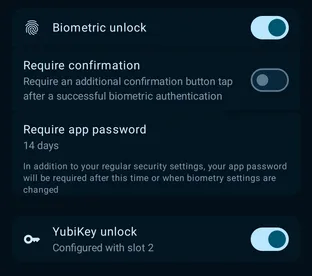
Flexible unlock
Android · Linux · macOS · Windows
Unlock your vault with a password, biometrics, or a hardware YubiKey.
Unlock your vault with your app password, your device’s biometrics or system sign-in, or a hardware key such as a YubiKey.
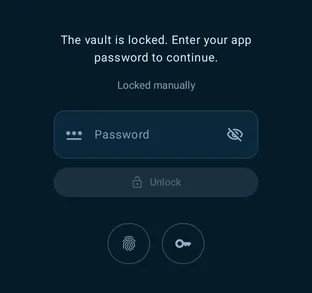
The unlock screen offers every method you turn on. Your app password always works as a fallback, and the vault locks itself when you step away.