Multi-account
Connect multiple vaults at once, search items without switching between the accounts.
Keep all vaults open together in a single workspace. You can connect several accounts at once, mixing Bitwarden, self-hosted Bitwarden or Vaultwarden, and KeePass (KDBX) files side by side. Connecting more than one account requires a premium license.
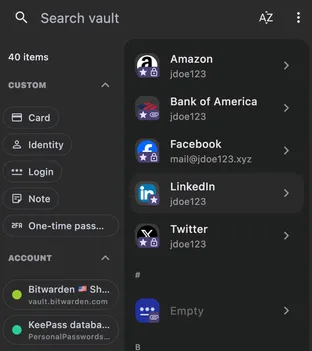
The multiple accounts guide covers the merged vault view, per-account customization, and copying items between accounts.