SSH agent
Use keys stored in your vault to authenticate with SSH services on Android and desktop.
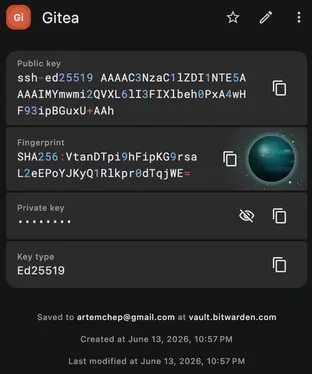
Keyguard can act as an SSH agent, so SSH services and command-line tools authenticate with the keys you keep in your vault. The keys stop living as files scattered across the filesystem, where they are easy to lose track of or expose.
This works on Android and on desktop. When a tool requests a signature, Keyguard produces it with the matching key and returns just the signature, so the private key never reaches the client. If you need a new key pair to begin with, the generator can create SSH keys for you. When you’re ready to wire it up, the setup guide covers it.